Privacy Blur
The ultimate sanitization tool for professionals. Blur sensitive data in real-time with a single click, ensuring your privacy during live demos and recordings.
Official Release (Chrome Web Store)
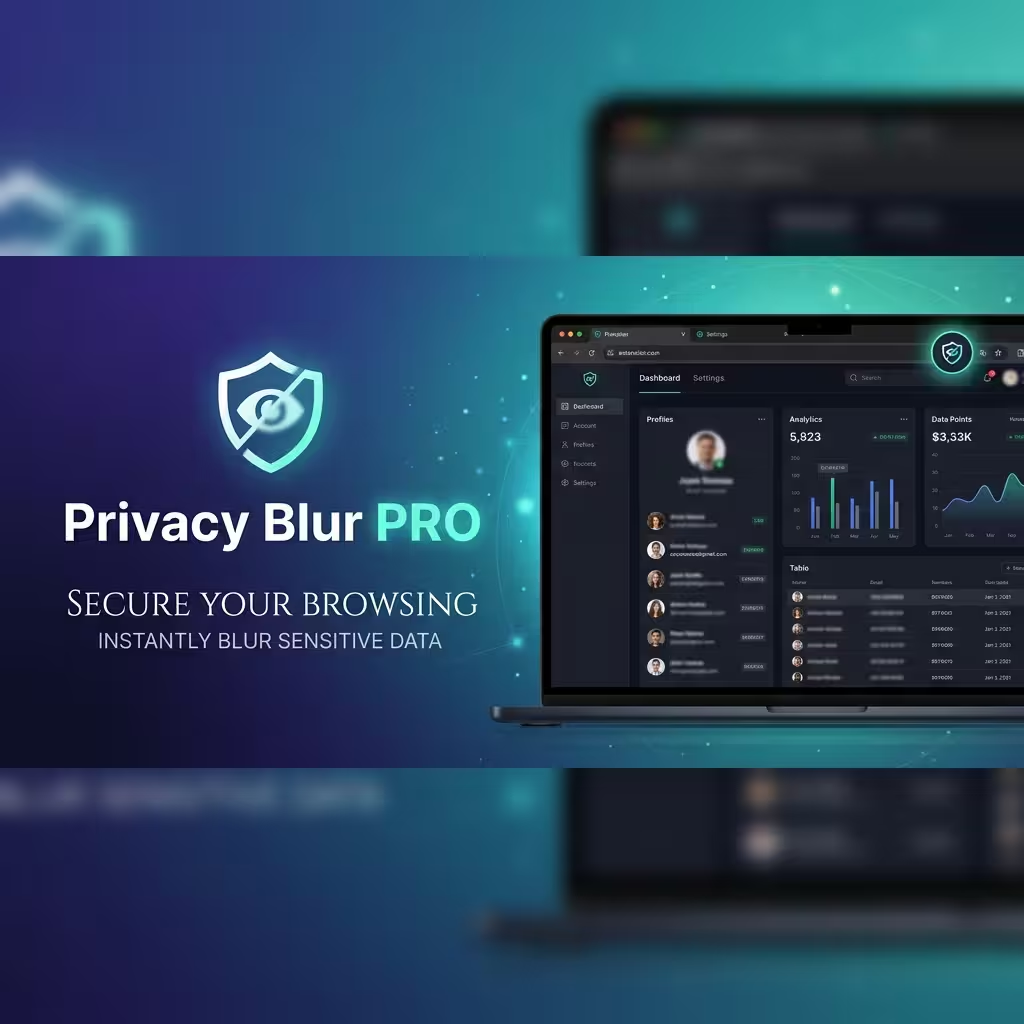
Secure Your Digital Workspace
Designed for creators, developers, and remote teams who value data integrity.
Brush-Like Redaction
Simply "paint" over any element on the page to apply a high-quality CSS blur filter instantly.
Smart Scan
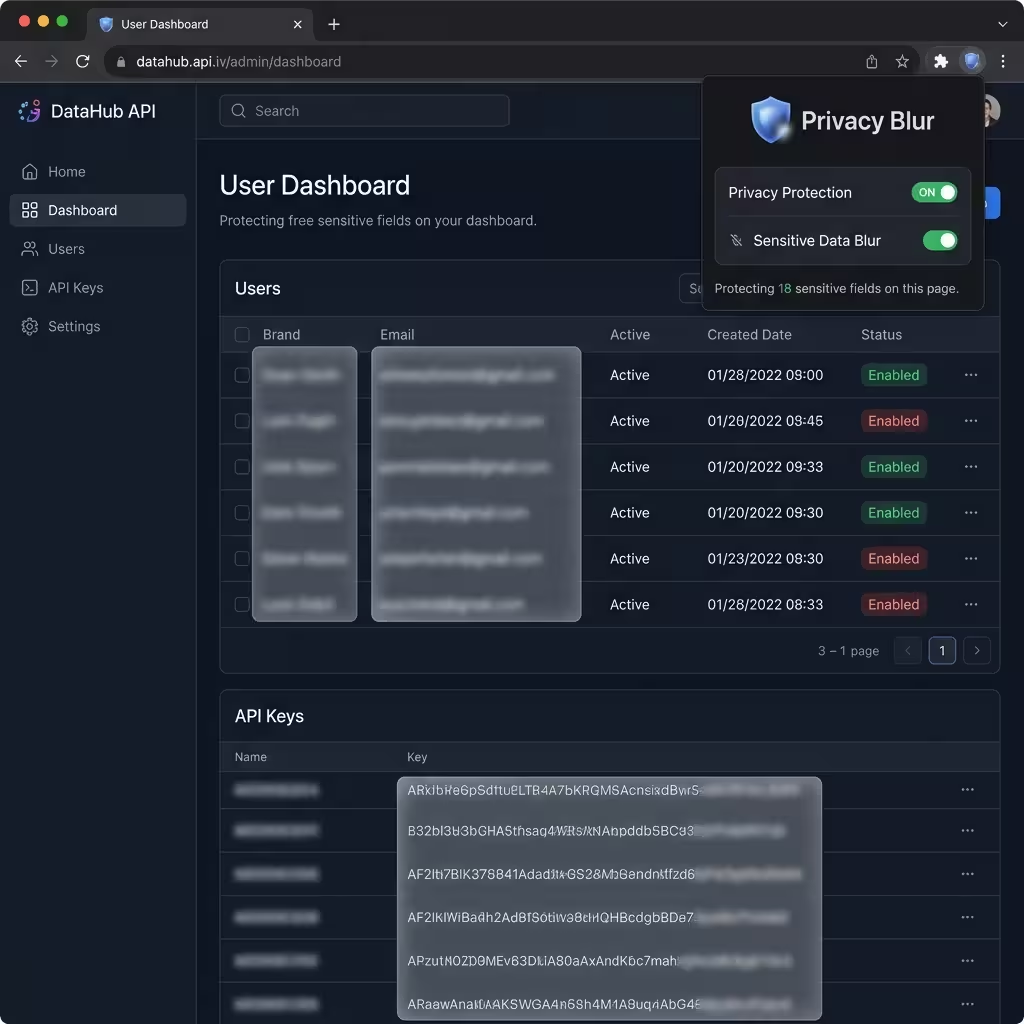
Automatically detect and blur sensitive patterns like emails, API keys, and phone numbers.
Screenshot Ready
Sanitize your view before capturing screenshots to ensure no internal data leaks into your documentation.
Interactive Sanitization
Unlike traditional video editing, Privacy Blur works directly in your browser. No post-processing required.
- Lightweight Performance: Zero lag during live screen sharing.
- Persistent Blurs: Redactions stay in place even as you scroll.
- One-Click Clear: Instantly remove all blurs when the session ends.
Get Privacy Blur
Protect your sensitive data during screen sharing with the official Chrome extension.
Install from Store100% Secure. Locally Processed. Privacy-First.