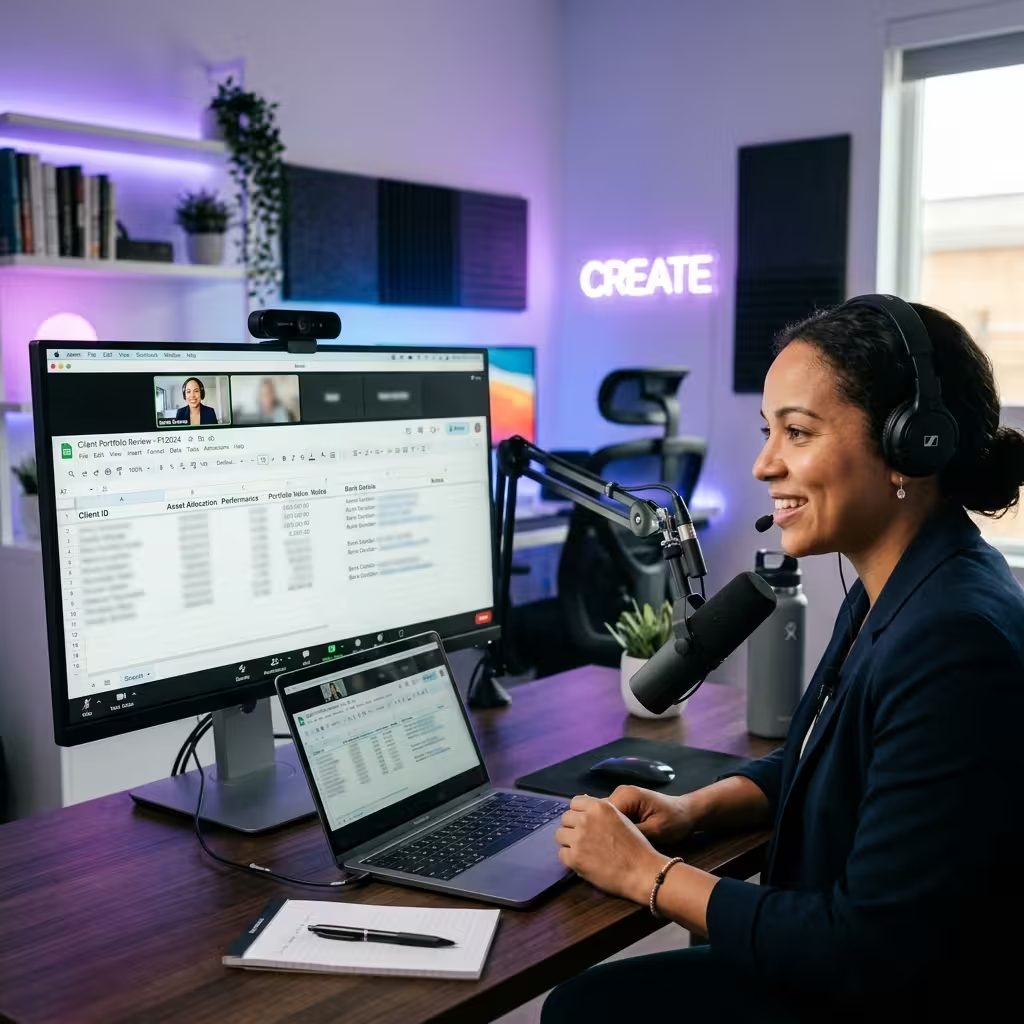
Screen sharing is the #1 vulnerability for modern freelancers. One accidental tab switch can expose client emails, bank balances, or private documents.
In this case study, we look at how a senior developer managed a 2-hour technical audit with a new client without leaking a single byte of sensitive data. The secret weapon: Privacy Blur.
Automate Your Keyword Research
Stop sorting spreadsheets manually. Try our Free AI Keyword Clusterer to group thousands of keywords by search intent in under 100ms.
The Problem: The "Over-Exposure" Anxiety
When you're sharing your screen on Zoom or Google Meet, you are essentially giving the client a window into your digital life. Even with "Share Window Only," notification pop-ups and accidental clicks are common. For our subject, a freelancer handling high-stakes fintech data, the risk was unacceptable.
"I needed to show the client the codebase and the live dashboard, but I didn't want them seeing my Stripe payouts or my other clients' names in the sidebar."
The Solution: On-Demand Obfuscation
Before the call, the freelancer activated Privacy Blur. Unlike standard "Do Not Disturb" modes, Privacy Blur allows you to selectively hide elements within the browser itself.
- Selective Blurring: The user blurred out the "Earnings" column in their admin dashboard while keeping the "Traffic Metrics" visible.
- Sidebar Stealth: All other open tabs and bookmarks were hidden using the extension's "Clean View" feature.
- Local Logic: Because Privacy Blur processes everything locally in the browser, no data was ever sent to an external server.
The Result: Professionalism & Trust
The call went flawlessly. The client was impressed by the focused, clean presentation. By removing the "clutter" of private data, the freelancer actually made the presentation more effective.
| Action | Without Privacy Blur | With Privacy Blur |
|---|---|---|
| Data Exposure | High (Accidental leaks) | Zero (Selective masking) |
| Focus Level | Low (Cluttered UI) | High (Clean presentation) |
| Client Trust | Average | Premium (Demonstrated security) |
Strategic Takeaway
In the freelance world, your reputation is built on trust. Showing a client that you take their data security seriously—by starting with your own—is a powerful psychological trigger. It positions you as a high-end professional rather than a casual worker.
Secure Your Next Client Call
Install Privacy Blur and share your screen with confidence.
Get Privacy Blur (Free)